Intermixtechnologies

Categories
Uncategorized

DIY vs. Professional Alarm Systems: What’s the Right Choice for Your Property?

Security systems have become more accessible—but not all systems are built the same.

Homeowners and businesses today are often deciding between DIY alarm systems and professionally installed and monitored security systems. While both options provide a level of protection, the difference comes down to reliability, response, and system design.

Why Security Systems Matter More Than Ever

Property crime remains a consistent concern across many U.S. cities. In Nashville alone, there were over 31,000 reported property crimes in a single year, including thousands of burglaries and theft-related incidents.  

The takeaway is simple:

deterrence and response both matter—and the type of system you choose directly impacts both.

What Is a DIY Alarm System?

A DIY (do-it-yourself) alarm system is a self-installed security setup that typically includes:

  • Wireless door and window sensors
  • Motion detectors
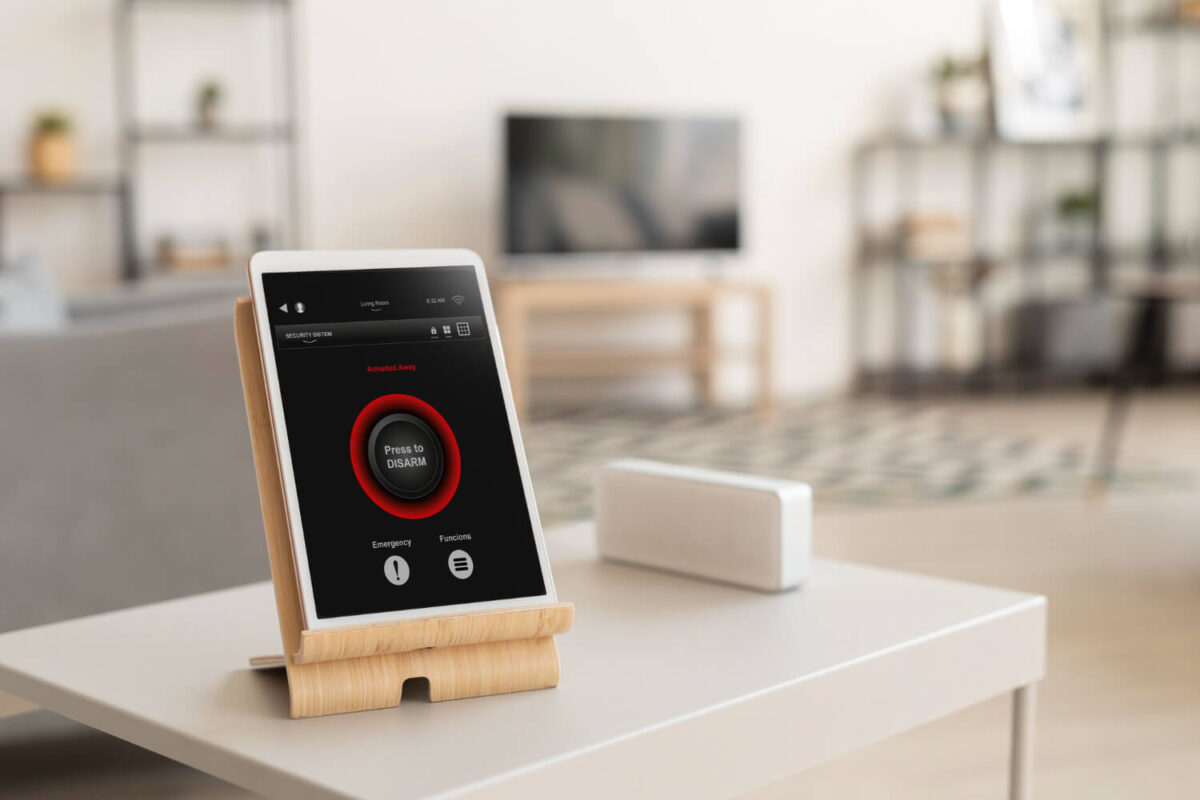
  • Cameras and mobile app control
  • Self-monitoring through smartphone alerts

These systems are designed for convenience and quick setup—often installed in under a few hours.

Where DIY Systems Work Well

  • Smaller homes or apartments
  • Budget-conscious users
  • Short-term living situations

Limitations to Consider

DIY systems rely entirely on the user to:

  • Install equipment correctly
  • Monitor alerts in real time
  • Respond during emergencies

If a notification is missed, delayed, or ignored, no automatic response is triggered.

What Are Professional Alarm Systems?

Professional security systems are designed, installed, and monitored by a licensed security provider.

These systems typically include:

  • Full property assessment and system design
  • Professionally installed sensors and equipment
  • Integration with cameras, access control, and fire systems
  • 24/7 monitoring through a central station

When an alarm is triggered, signals are sent immediately to a monitoring center, where trained operators assess the situation and dispatch emergency services if needed.  

The Critical Difference: Monitoring & Response

The biggest gap between DIY and professional systems is not equipment—it’s response capability.

  • DIY systems = notification only
  • Professional systems = notification + action

Professional monitoring provides:

  • 24/7 response, even if you’re unavailable
  • Faster emergency dispatch
  • Continuous protection during travel, sleep, or outages

Studies show that most intruders actively look for signs of alarm systems, and monitored systems significantly increase deterrence. 

Reliability & System Performance

Professional systems are built with redundancy and long-term reliability in mind, including:

  • Cellular backup (not just Wi-Fi)
  • Battery backup during power outages
  • Proper sensor placement and calibration
  • Reduced false alarms through expert configuration 

DIY systems, while effective for basic use, are more vulnerable to:

  • Connectivity failures
  • Improper installation
  • Limited coverage in larger properties

As system complexity increases, performance gaps become more noticeable.

Cost Comparison: Upfront vs. Total Value

Cost is often the deciding factor—but it should be evaluated correctly.

DIY Systems

  • $200–$600 upfront
  • Minimal or no monthly cost

Professional Systems

  • $99–$500 installation
  • $20–$60/month monitoring

DIY systems reduce upfront cost but shift responsibility to the user.

Professional systems include ongoing monitoring, support, and response, which directly impact real-world performance.

Which System Fits Your Property?

The right system depends on property type, usage, and risk exposure.

DIY systems are best suited for:

  • Apartments and smaller homes
  • Low-risk environments
  • Users comfortable managing their own system

Professional systems are better for:

  • Single-family homes and larger properties
  • Businesses and commercial facilities
  • Frequent travelers or unoccupied properties
  • Anyone prioritizing reliability and response

Final Consideration: Control vs. Coverage

Both systems serve a purpose—but they solve different problems.

  • DIY systems provide control and convenience
  • Professional systems provide coverage and response

As risk increases—whether due to property size, value, or occupancy—

the need for a professionally designed and monitored system becomes significantly more important.

If you’re evaluating security options for your home or business, the most effective approach is a system designed around your property—not a one-size-fits-all kit.

Request a Security Assessment

or call to speak with a security specialist.
Categories
Uncategorized

How to Stop a Beeping Alarm System in Jackson, MS

A constantly beeping alarm system can quickly become frustrating—whether it’s in your home or business. While the noise may seem random, it’s actually your system’s way of telling you something needs attention.

For property owners in Jackson, Madison, Ridgeland, and across Central Mississippi, understanding why your alarm system is beeping—and how to properly address it—can help you avoid bigger system failures and keep your property protected.

Why Alarm Systems Start Beeping

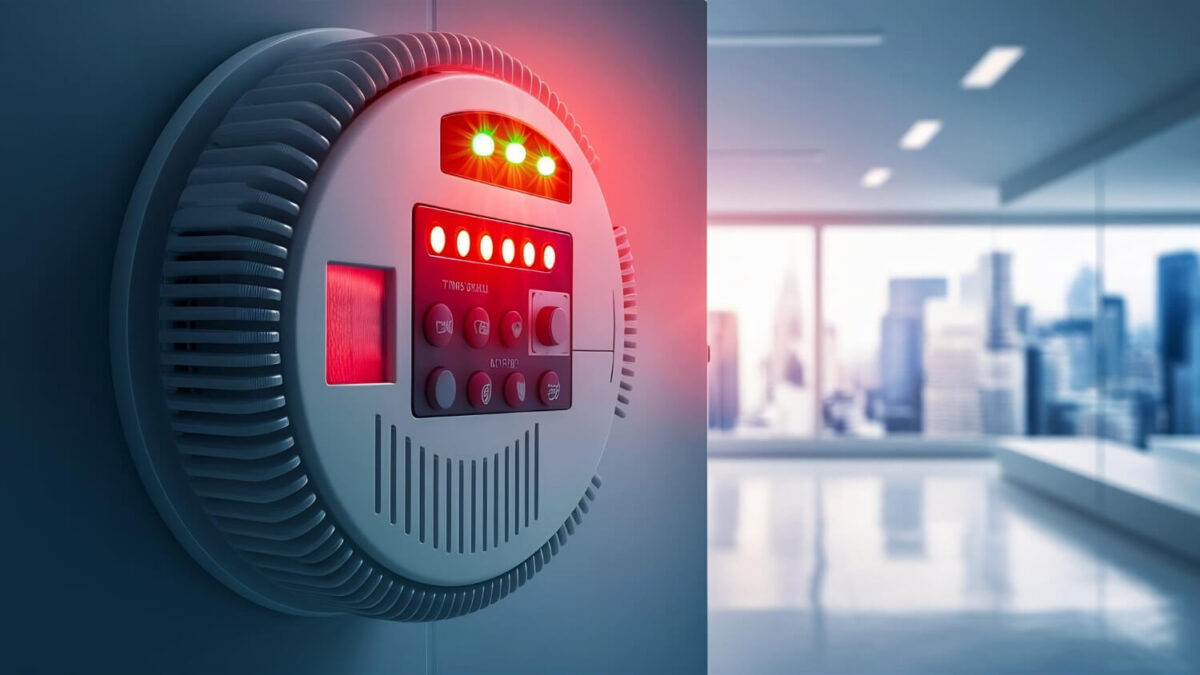
Most alarm systems, including DSC and other common panels, use audible beeping to signal a “trouble condition.” This typically does not mean there is an active emergency, but it does indicate that something needs to be corrected.

Common causes include:

Low Backup Battery

Alarm panels rely on backup batteries during power outages. Over time, these batteries lose capacity. When that happens, the system will begin beeping to alert you.

Power Loss

If your system has lost power due to:

  • A tripped breaker
  • An unplugged transformer
  • Electrical issues

…it will trigger a periodic beep until power is restored.

Communication Failure

Modern systems communicate via cellular or internet connections. If that connection is interrupted, the system may generate a trouble alert.

Sensor or Zone Issues

A door sensor, motion detector, or window contact may be:

  • Misaligned
  • Damaged
  • Low on battery (for wireless devices)

This can trigger system beeping tied to a specific zone.

How to Silence a Beeping Alarm System

If your alarm keypad is beeping every 30–60 seconds, follow these steps to silence it safely:

1. Check the Keypad Display

Most systems will display a message such as “Trouble” or show a code.

On many systems (including DSC):

  • Press * then 2 to view trouble conditions
  • Note any numbers or indicators shown

This tells you what’s causing the issue.

2. Press the # Key to Silence the Beep

In many cases, pressing the # key will temporarily stop the beeping.

⚠️ Important:

This does not fix the issue—it only silences the alert.

3. Check for Power Issues

Make sure your system has power:

  • Verify the transformer is plugged in
  • Check your breaker panel
  • Look for recently unplugged equipment

Restoring power will often stop the beeping.

4. Replace the Backup Battery

If your system indicates a battery issue:

  • Locate the main control panel (usually in a closet or utility area)
  • Disconnect power before opening
  • Replace the battery with the correct type

Most alarm batteries last 3–5 years.

5. Check Wireless Sensor Batteries

If a specific zone is showing:

  • Replace batteries in door/window sensors
  • Check motion detectors

Low sensor batteries are a very common cause of ongoing beeping.

When You Should Call a Professional

Some issues go beyond basic troubleshooting. You should contact a professional if:

  • The system continues beeping after fixes
  • You see repeated communication errors
  • The keypad is unresponsive
  • Trouble codes won’t clear

For many older systems, repeated issues can be a sign that the system is nearing the end of its lifespan.

Older Alarm Systems vs Modern Security Systems

Many homes and businesses in Central Mississippi still use older alarm panels like DSC systems installed years ago.

While reliable in their time, older systems often:

  • Require frequent battery replacements
  • Lack mobile access
  • Depend on outdated communication methods
  • Generate recurring trouble alerts

Modern systems provide:

  • Mobile app control
  • Real-time alerts
  • Reliable cellular monitoring
  • Integration with cameras and access control

Upgrading can eliminate ongoing nuisance issues while significantly improving security.

Preventing Alarm System Beeping in the Future

Routine maintenance is the best way to avoid recurring problems.

Schedule Regular System Inspections

Professional servicing helps identify issues before they become disruptive.

Replace Batteries on a Schedule

  • Panel battery: every 3–5 years
  • Sensor batteries: every 1–3 years

Keep Your System Updated

Outdated systems are more prone to failures and alerts. Upgrading ensures long-term reliability.

Local Alarm System Service in Jackson, MS

If your alarm system won’t stop beeping—or you’re dealing with recurring issues—it may be time for professional service or an upgrade.

Intermix Technologies provides alarm system service, monitoring, and upgrades across Jackson, Ridgeland, Madison, Flowood, and surrounding Central Mississippi areas.

With over 25 years of experience, we help property owners maintain reliable, easy-to-use security systems.

Stop the noise—and make sure your system is actually protecting you.

📞 Call 601-605-1057

📩 Request a Security Assessment

Categories
Uncategorized

How Alarm Systems Work (And What Happens When One Is Triggered)

Most people understand what an alarm system does—but not how it actually works.

Understanding how a security system functions helps property owners make better decisions about coverage, monitoring, and overall protection.

What Is an Alarm System?

An alarm system is designed to detect unauthorized activity and trigger a response.

At its core, the system monitors specific points on a property and activates when a threat or abnormal condition is detected.

These systems are used in both:

  • Residential homes
  • Commercial properties

The Core Components of an Alarm System

A typical alarm system includes several key components working together.

Control Panel

The control panel is the central hub of the system.

It:

  • Receives signals from sensors
  • Processes activity
  • Sends alerts or triggers alarms

Sensors & Detection Devices

Sensors are placed throughout the property to detect activity.

Common types include:

  • Door and window sensors
  • Motion detectors
  • Glass break sensors

These devices monitor entry points and movement within the space.

Alarm Output (Sirens & Alerts)

When the system is triggered, it activates:

  • Audible alarms (sirens)
  • Notifications to the user
  • Signals to a monitoring center (if monitored)

The goal is to alert occupants and deter intruders immediately.

Communication System

Alarm systems use communication methods to send signals, including:

  • Cellular networks
  • Internet (Wi-Fi or wired connection)
  • Backup communication paths

Reliable communication ensures alerts are delivered without interruption.

What Happens When an Alarm Is Triggered?

When a sensor detects activity, the system follows a sequence:

1.Detection

A sensor is activated—for example:

  • A door is opened
  • Motion is detected
  • Glass is broken

2. Signal Sent to Control Panel

The sensor sends a signal to the control panel, which determines whether the activity is authorized.

3. Alarm Activation

If the system is armed and the activity is unauthorized:

  • The siren sounds
  • Alerts are generated

4. Notification or Monitoring Response

If the system is not monitored:

  • The user receives a notification
  • The user must respond

If the system is monitored:

  • A signal is sent to a monitoring center
  • Operators assess the situation
  • Emergency services may be dispatched

Types of Alarm System Monitoring

Alarm systems can operate in different ways depending on monitoring setup.

Self-Monitored Systems

  • Send alerts directly to the user
  • No automatic emergency response

Professionally Monitored Systems

  • Connected to a 24/7 monitoring center
  • Provide immediate response and dispatch

Monitoring is what transforms an alarm system from notification to protection.

False Alarms and System Accuracy

False alarms can occur, but modern systems are designed to minimize them.

Common causes include:

  • User error (incorrect arming/disarming)
  • Improper sensor placement
  • Environmental factors

Professional installation and system configuration significantly reduce false alarms.

Alarm Systems Beyond Intrusion

Modern alarm systems do more than detect break-ins.

They can also monitor for:

  • Fire (smoke and heat detection)
  • Carbon monoxide
  • Environmental hazards

This expands protection beyond security into life safety.

Integration with Other Security Systems

Alarm systems are often part of a larger security solution.

They can integrate with:

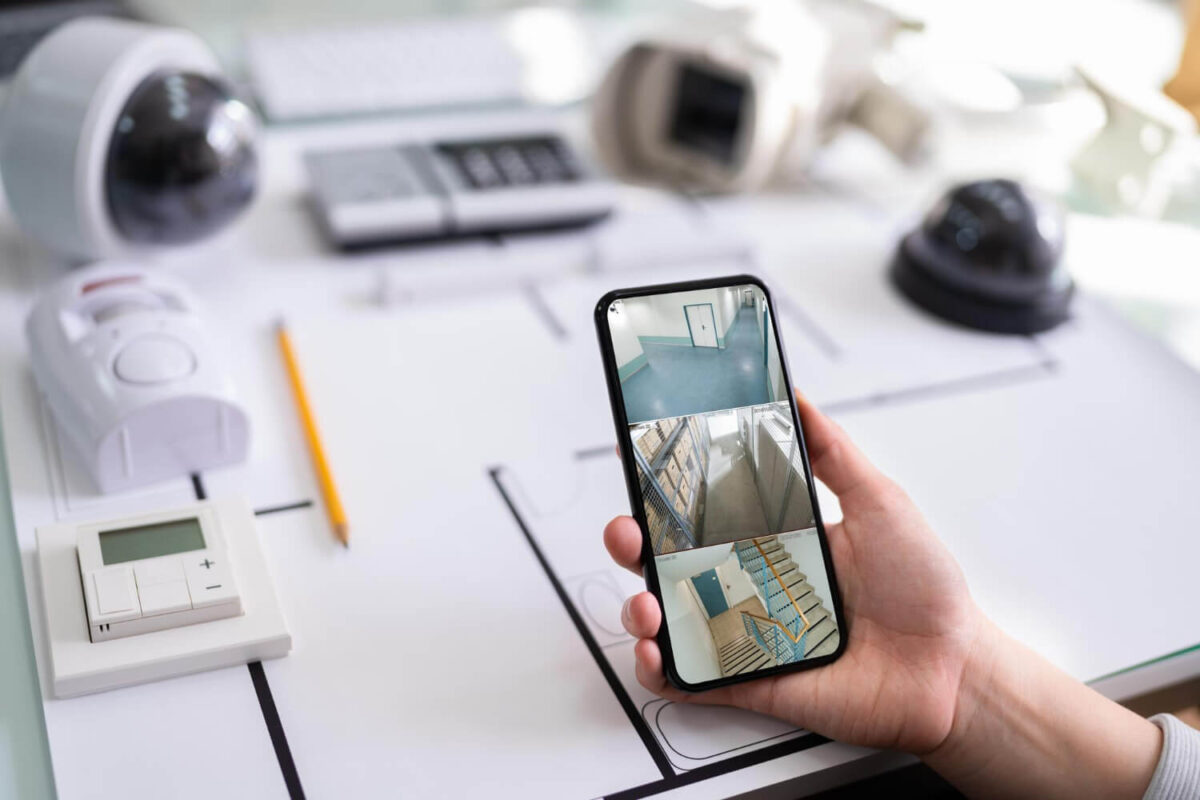
  • Surveillance cameras (visual verification)
  • Access control systems (entry management)
  • Mobile apps (remote control and alerts)

Integration improves both security and usability.

Reliability & Backup Systems

A properly designed alarm system includes safeguards to ensure continuous operation.

These may include:

  • Backup batteries during power outages
  • Cellular communication if internet fails
  • Redundant system checks

Reliability is critical—especially during emergencies.

Why System Design Matter

The effectiveness of an alarm system depends on more than just equipment.

Proper design ensures:

  • Full coverage of entry points
  • Correct sensor placement
  • Seamless system operation

Even high-quality equipment can fail if the system is not designed correctly.

Final Consideration: Detection Is Only the First Step

Alarm systems are designed to detect threats—but detection alone is not enough.

An effective system provides:

  • Detection
  • Notification
  • Response

Understanding how these components work together is key to choosing the right level of protection.

If you’re evaluating how an alarm system should be designed for your property, the best approach is a system built around your layout, risks, and usage.

Request a Security Assessment

or call 601-605-1057 to speak with a security specialist.
Categories
Uncategorized

Do You Really Need 24/7 Alarm Monitoring?

When evaluating a security system, one of the most common questions is whether 24/7 alarm monitoring is actually necessary—or just an added expense.

The answer depends on one key factor:

What happens when an alarm is triggered?

What Is 24/7 Alarm Monitoring?

24/7 alarm monitoring means your security system is connected to a professional monitoring center that is always active—day and night.

When an alarm is triggered:

  1. A signal is sent instantly to the monitoring center
  2. Trained operators review the alert
  3. Emergency services are dispatched if needed

This process happens within seconds—without requiring you to respond first.

What Happens Without Monitoring?

Without monitoring, your system relies entirely on self-response.

When an alarm is triggered:

  • You receive a notification on your phone
  • You must determine if it’s a real threat
  • You must contact authorities yourself

This creates several potential risks:

  • Missed alerts (phone off, no signal, sleeping)
  • Delayed response time
  • Uncertainty in high-stress situations

If you’re unavailable, no action is taken.

Monitoring vs. Notifications: The Critical Difference

Many modern systems advertise real-time alerts—but alerts alone are not the same as protection.

  • Unmonitored systems = awareness
  • Monitored systems = response

That distinction becomes critical during:

  • Break-ins
  • Fire events
  • After-hours incidents at businesses

In these situations, seconds matter—and relying on manual response introduces delay.

When 24/7 Monitoring Matters Most

Monitoring becomes significantly more important in higher-risk scenarios.

Residential Situations

  • Overnight when occupants are asleep
  • When the home is unoccupied
  • During travel

Commercial Situations

  • After business hours
  • Multi-location operations
  • Facilities with inventory, equipment, or sensitive data

In both cases, monitoring ensures continuous protection regardless of availability.

Fire Alarm Monitoring: Often Overlooked, Critically Important

Security systems are not just about intrusion—they also protect against environmental risks.

Fire alarm monitoring provides:

  • Immediate response to smoke or heat detection
  • Faster emergency dispatch
  • Protection even when the building is empty

For many commercial properties, monitored fire systems are not optional—they are required.

Reliability & Response Time

Professionally monitored systems are designed for speed and redundancy.

They typically include:

  • Cellular communication (not dependent on Wi-Fi alone)
  • Backup power during outages
  • Direct communication with monitoring centers

This ensures alerts are transmitted and acted on—even during:

  • Power failures
  • Internet outages
  • Severe weather events

Cost of Alarm Monitoring

Monitoring services are typically one of the most affordable parts of a security system.

  • $20–$60 per month depending on system type

This cost includes:

  • 24/7 monitoring center access
  • Emergency dispatch coordination
  • Continuous system oversight

When compared to potential loss from theft, fire, or property damage, monitoring is often one of the highest-value components of the system.

Is 24/7 Monitoring Worth It?

For some smaller or low-risk situations, self-monitoring may be sufficient.

However, for most properties, monitoring provides a level of protection that cannot be replicated manually.

Monitoring is strongly recommended for:

  • Homeowners who travel or work long hours
  • Families who want overnight protection
  • Businesses with assets, employees, or liability exposure

Final Answer: Do You Need Monitoring?

If your goal is simply to receive alerts, a self-monitored system may be enough.

If your goal is real protection and immediate response,

24/7 alarm monitoring is a critical part of your security system.

If you’re evaluating monitoring options, the right solution depends on your property, risk level, and how your system is designed.

Request a Security Assessment

or call 601-605-1057 to speak with a security specialist.
 

Categories
Uncategorized

Why Alarm Monitoring Matters for Your Home or Business

When most people think about security systems, they picture cameras, alarms, and sensors. But the most important part of your system isn’t what you see—it’s what happens after an alarm is triggered.

Without professional monitoring, an alarm is just noise.

For homeowners and businesses in Jackson, Ridgeland, Madison, and across Central Mississippi, 24/7 alarm monitoring ensures that when something happens, action is taken immediately.

What Is Alarm Monitoring?

Alarm monitoring is a service where your security system is connected to a professional monitoring center that responds when an alert is triggered.

When your system detects:

  • A break-in
  • Fire or smoke
  • Unauthorized access
  • Emergency signals

…it sends a signal to a monitoring center where trained professionals evaluate the situation and take action.

What Happens When an Alarm Is Triggered?

Understanding the response process helps explain why monitoring is so important.

When an alarm is activated:

  1. Signal is sent instantly to the monitoring center
  2. Trained operators review the alert
  3. You are contacted to verify the situation
  4. Emergency services are dispatched if needed

This entire process happens within seconds.

Without monitoring, no one is there to respond.

Why Alarm Monitoring Is Critical

Immediate Emergency Response

Every second matters during a break-in or fire. Monitoring ensures that emergency services are notified quickly—even if you’re not available.

Protection When You’re Away

Whether you’re at work, traveling, or asleep, monitoring provides continuous protection.

You don’t have to rely on hearing an alarm—you have a team watching for you.

Reduced Risk of Loss and Damage

Faster response times can:

  • Minimize property damage
  • Reduce theft losses
  • Improve recovery outcomes

Peace of Mind

Knowing your system is actively monitored provides confidence that your home or business is protected at all times.

Why 24/7 Monitoring Is Essential

Security threats don’t follow a schedule.

Break-ins, fires, and emergencies can happen:

  • Late at night
  • During holidays
  • While you’re out of town

24/7 monitoring ensures your system is always active—no matter the time or situation.

Key Features of a Reliable Monitoring Service

Not all monitoring services are the same. A quality provider should offer:

  • 24/7 professional monitoring
  • Fast emergency dispatch
  • Redundant backup systems
  • Cellular and internet communication
  • Real-time alerts via mobile devices

These features ensure your system remains reliable—even during outages or disruptions.

Local vs National Monitoring Services

Choosing a provider with local experience offers real advantages.

A company serving Jackson and Central Mississippi understands:

  • Local response times
  • Area-specific risks
  • How to coordinate with local emergency services

This can improve response efficiency and overall service quality.

Alarm Monitoring for Businesses vs Homes

Monitoring is essential for both residential and commercial properties—but the needs are different.

Residential Monitoring

  • Protects families and homes
  • Detects intrusion, fire, and emergencies
  • Provides remote alerts and mobile access

Commercial Monitoring

  • Protects employees, assets, and operations
  • Monitors multiple entry points and systems
  • Integrates with access control and surveillance

A properly designed system ensures the right level of protection for each environment.

The Cost of Not Having Monitoring

Some property owners choose unmonitored systems—but this comes with risks.

Without monitoring:

  • No automatic emergency response
  • Delayed reaction to incidents
  • Greater potential for loss or damage

Monitoring turns your system from a passive tool into an active protection solution.

Alarm Monitoring Services in Jackson, MS

Intermix Technologies provides professional alarm monitoring services for homes and businesses across Central Mississippi.

Our systems include:

  • 24/7 monitoring
  • Fast emergency response
  • Reliable communication systems
  • Integration with cameras and access control

With over 25 years of experience, we help ensure your property is protected at all times.

Don’t rely on an alarm alone—make sure someone is there to respond.

📞 Call 601-605-1057

📩 Request a Security Assessment